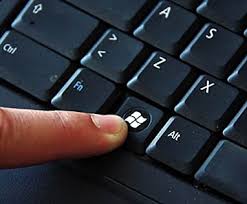
Hold the windows key down and press the r key
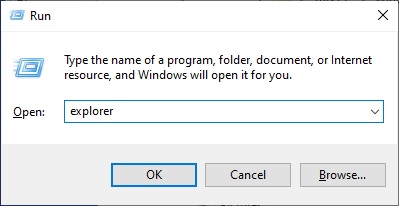
A window should pop up
In that window, enter the command: explorer:
Locate the BlocklyPyGame directory on the C: drive:
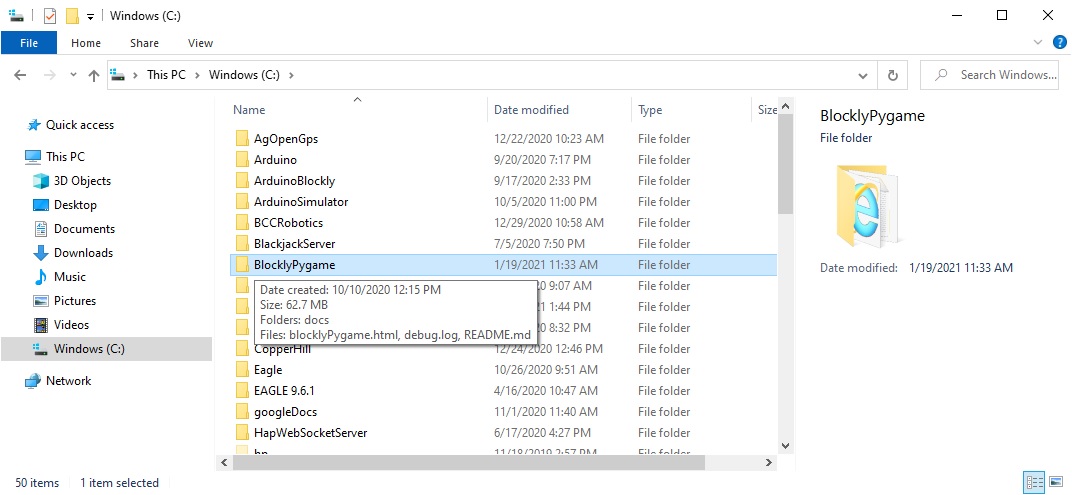
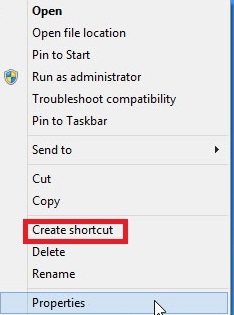
Right click on the C:\BlocklyPygame directory and select Create Shortcut:
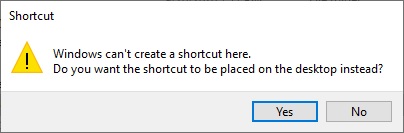
Select yes to place the shortcut on the desktop:
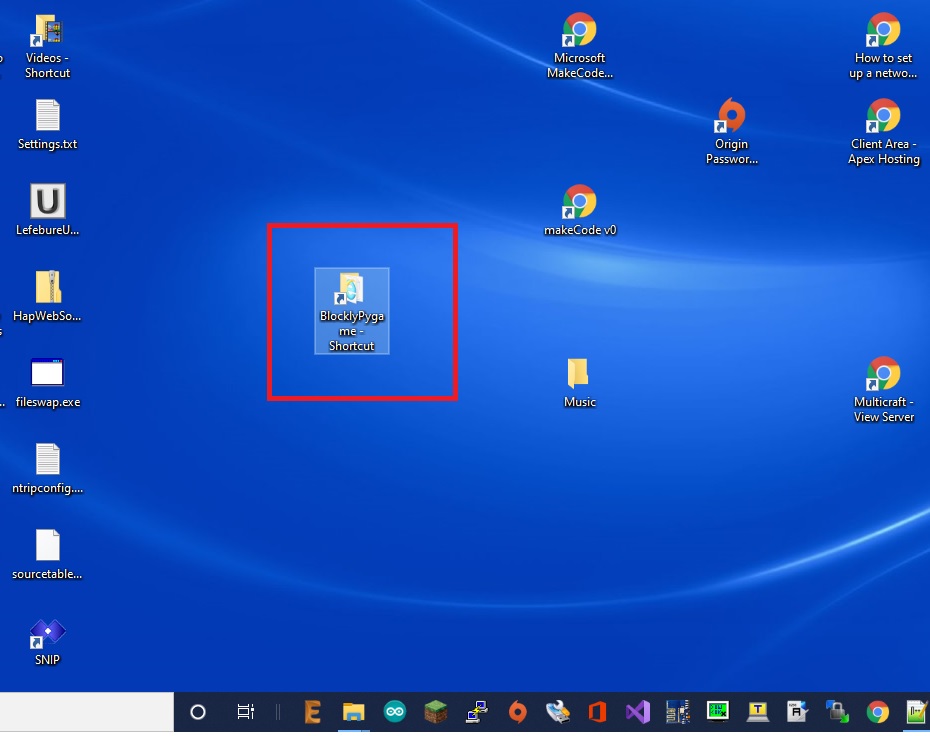
Find the BlocklyPygame shortcut on your desktop